Module 2 – CodeIgniter
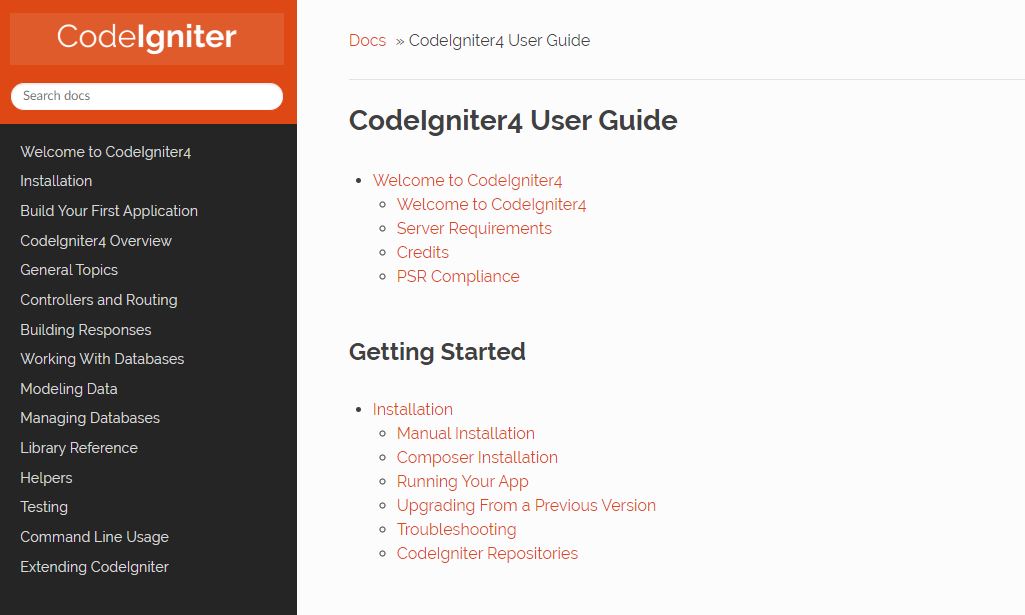
Welcome to CodeIgniter
The first step in your discovery of Codeigniter will be to install a localhost environment with a local webserver like Xamp. This version of CodeIgniter is working well with Xamp.
Once your local environment is completed, you will be able to install the framework from CodeIgniter. In the Documentation section, you will find information about the installation and all the particularities of the framework. You will also need an editor for the coding. Sublime or Visual Studio code are both good editors for the framework.
I would suggest going through the tutorial “Build your first Application” in detail to familiarize yourself with the MVC concept (Model – View – Controller).
Time required: 10-15 hours for installation and tutorial

Tutorials
After completing the CodeIgniter tutorial, I was ready to explore the framework but I needed a more tangible example. I found an interesting tutorial in 2 parts.
We will be building a PHP Codeigniter blog application with CRUD functionality. In the video you will install Codeigniter, setup a Pages controller, add views and routing.
Time required: 1:30 for 2 videos